Skip to tool
ecech.
💻 Developer & Code

Free Text Comparison Tool That Highlights the Exact Words That Changed

Most diff tools show you two lines and let you hunt for the difference. This one marks the exact words, and never sends your text anywhere.

Similarity

Lines added

0

Lines removed

0

Lines changed

0

Result

Advertisement

How the calculation works

Two ways to show the same one-word edit Line-level − Our refund window is 30 days from delivery. + Our refund window is 14 days from delivery. Everything is flagged. You still have to find the difference yourself. Word-level Our refund window is 30 14 days from delivery. One number moved. Nothing else did, and you can see that at a glance.

How to Use This Tool

Comparing two versions of a contract, a config file or a piece of copy is the sort of task where the eye is unreliable and the stakes are high. A changed number in a refund policy or a flipped true to false is exactly the kind of edit that survives three reads.

What makes a diff readable

The naive approach compares line by line: if two lines are not identical, mark one removed and one added. That is technically correct and practically useless, because a one-character change produces two nearly identical lines and you are back to hunting.

This tool runs a proper longest common subsequence diff over the lines, then, for lines that changed rather than being wholly added or removed, runs a second diff over the words inside them. The result marks the specific words that moved, so a changed number appears as one struck-through token next to its replacement.

Two passes. The second is what makes the output readable. Pass 1 LCS over lines keep / add / remove Pair up a removal next to an addition = a modification Pass 2 LCS over words inside that pair only Cost: the line pass is O(n×m) on the number of lines, which is instant for documents and slow for very large files. Inputs over about 4,000 lines fall back to line-level only, because a frozen tab is worse than a coarser diff.
The word pass runs only where a removal and an addition sit adjacent, which is what distinguishes an edit from an unrelated insertion.

The two toggles

Ignore whitespace collapses runs of spaces and tabs and trims line ends before comparing. This is the difference between a useful diff and a wall of red when someone has reformatted a file or changed indentation. Ignore case is mainly for comparing copy that has been through an editor with different capitalisation rules.

Both affect the comparison only. The text shown is always your original text; nothing is normalised in the output.

Reading the similarity score

The percentage is the proportion of lines that are identical between the two versions, weighted by length. It is a rough signal, useful for answering “did this get rewritten or tweaked?” at a glance. It is not a plagiarism measure and should not be used as one — reordering paragraphs without changing a word can drop the score sharply, and paraphrasing every sentence can leave it high.

Nothing leaves your browser

The comparison runs in JavaScript on your device. There is no upload, no server, and no request made at any point while you use it. That matters here more than on most tools on this site, because the texts people compare are contracts, medical records, legal drafts and unreleased copy. You can confirm it by opening your browser's network tab, or by disconnecting from the internet and using the page anyway.

Advertisement

Frequently Asked Questions

Is my text uploaded anywhere?
No. The entire comparison runs in JavaScript inside your browser, and the page makes no network request while you use it. You can verify this by opening your browser's developer tools on the Network tab, or simply by going offline — the tool keeps working.
What does word-level highlighting actually do?
After comparing the two texts line by line, it looks for places where a removed line sits directly next to an added line, treats that pair as a modification rather than a deletion plus an insertion, and runs a second comparison over the individual words. The result marks only the words that changed instead of flagging the whole line.
What does the similarity percentage mean?
It is the proportion of content that is identical between the two versions, weighted by line length. Use it as a rough signal of whether something was tweaked or rewritten. It is not a plagiarism score: reordering paragraphs can lower it sharply without changing a single word, and rewriting every sentence can leave it deceptively high.
Why should I turn on 'ignore whitespace'?
Because reformatting produces enormous diffs that contain no real change. If someone reindented a file, converted tabs to spaces, or a text editor stripped trailing spaces, every line will differ. Ignoring whitespace collapses those so you see only the changes that carry meaning.
Can it compare files rather than pasted text?
Not directly — paste the contents into the two boxes. For plain text, code and Markdown that is equivalent. For binary formats like Word documents or PDFs it will not work, because the underlying file is not text; export or copy the content out first.
Is there a size limit?
There is a practical one. The line comparison cost grows with the product of the two line counts, so very large inputs would freeze the tab. Above roughly 4,000 lines the tool falls back to line-level comparison only and skips the word pass, which keeps it responsive at the cost of a coarser result.
Why do two visually identical lines show as different?
Almost always an invisible character. Trailing spaces, a tab where a space was expected, a non-breaking space pasted from a web page, or Windows line endings against Unix ones. Turning on 'ignore whitespace' will confirm it: if the difference disappears, that was the cause.

Related tools in Developer & Code

Browse all Developer & Code tools
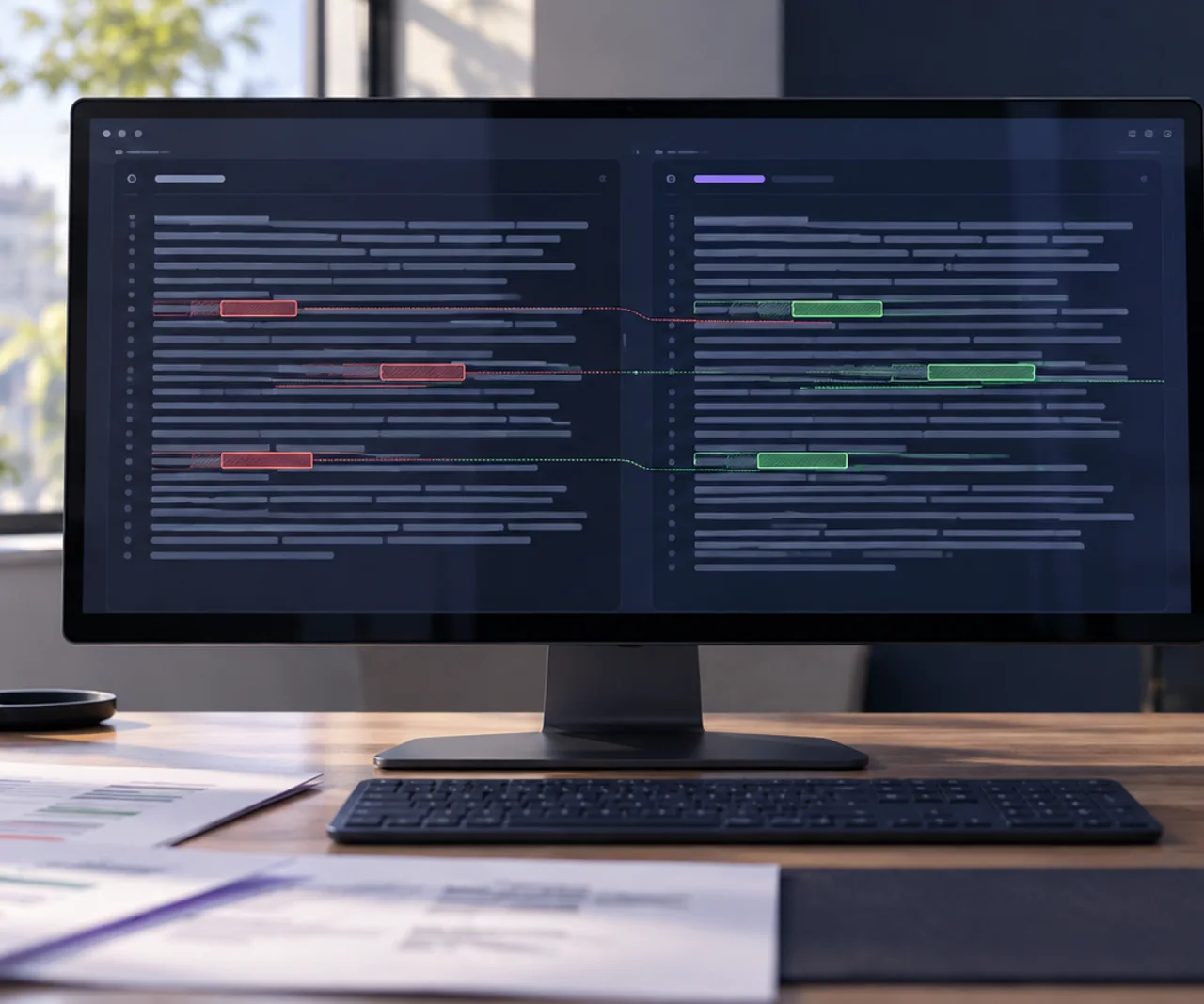
The person who builds ecech., at the desk where the tools are written.

Made by one person

ecech. is not a content farm. Every tool here is written and checked by hand, one at a time, by someone who wanted the tool to exist and could not find a version that showed its working.

No accounts and no sign-in, and nothing you type reaches a server — every calculation on this page runs inside your browser. The ads are served by Google and do set their own cookies, which is set out in full on the privacy page. More about the site.