Gameplay observations come from the supplied footage. Store details and player feedback are identified separately.
Does a new player receive a clear sequence of instructions before the first demanding section?
A countdown starts the activity, not the lesson
The supplied clip begins with a start countdown and other avatars visible. The first route uses separated colored platforms. A countdown can prepare a learner to begin, but it does not explain what each surface does, how speed changes, or when to jump. Later footage includes a large jump button and a progress bar, which are useful cues, yet their meaning is not consistently taught within the sampled sequence.
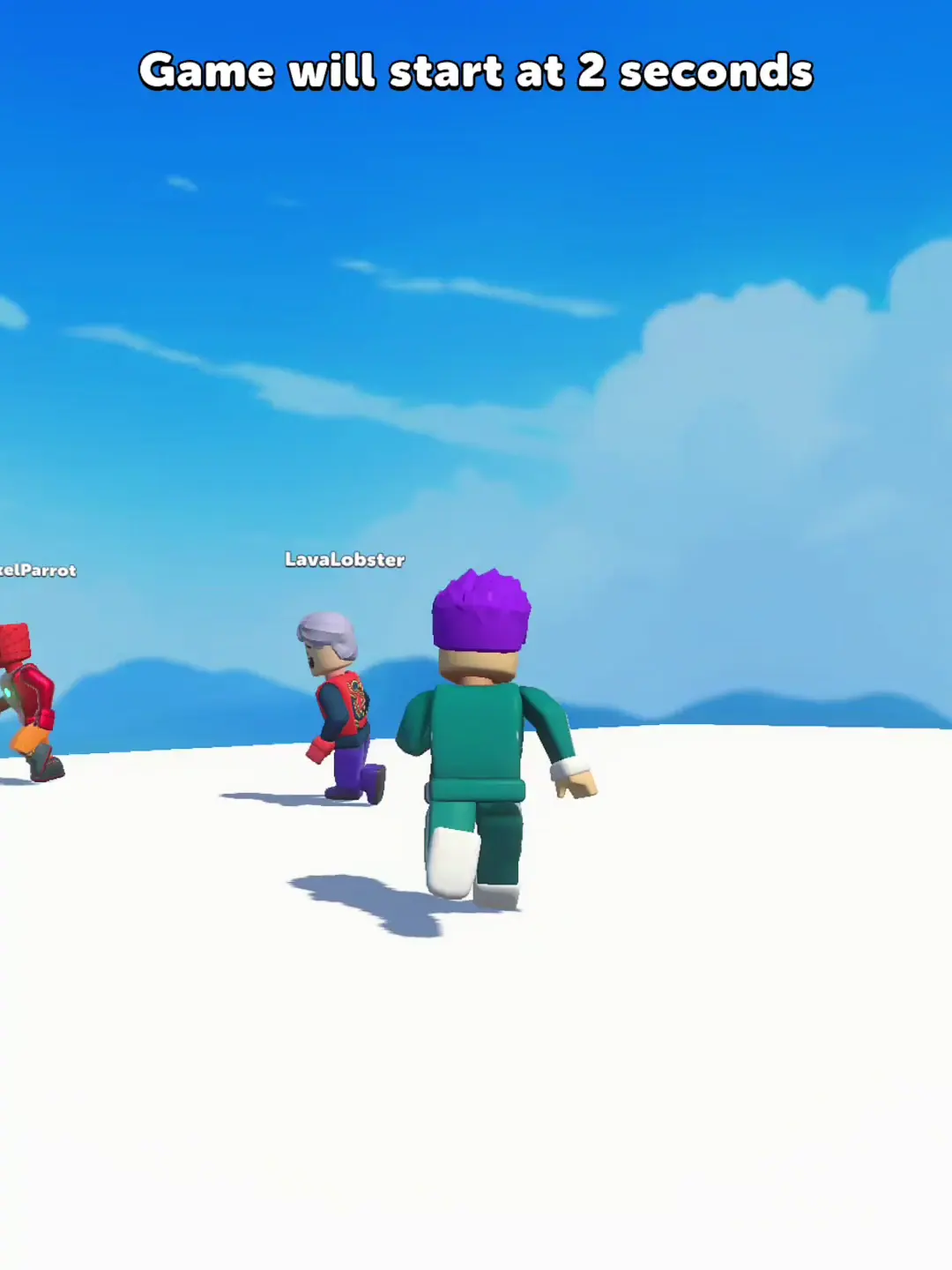
Gameplay footage · 00:01
Feedback after a mistake matters
Around 01:15 a restart dialog appears. That confirms a recovery route is present, but the captured view does not make the exact failure cause readable. Good instruction turns a mistake into a specific next step: what was missed, what to try differently, and whether progress was retained. None of that can be verified from this still. The later victory screen, by contrast, makes completion and reward choices much more explicit.
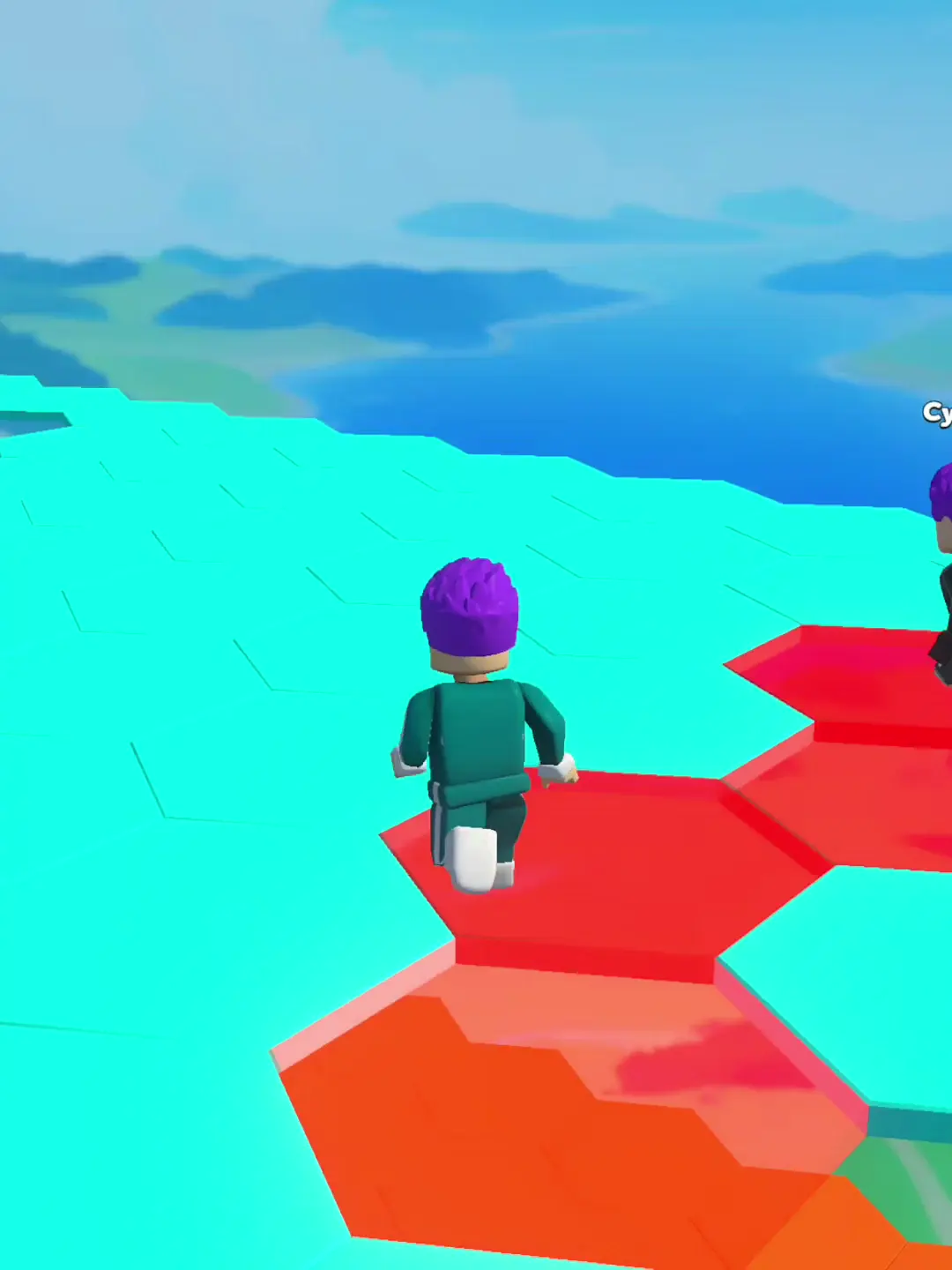
Gameplay footage · 00:57
Teach the new rule before adding pressure
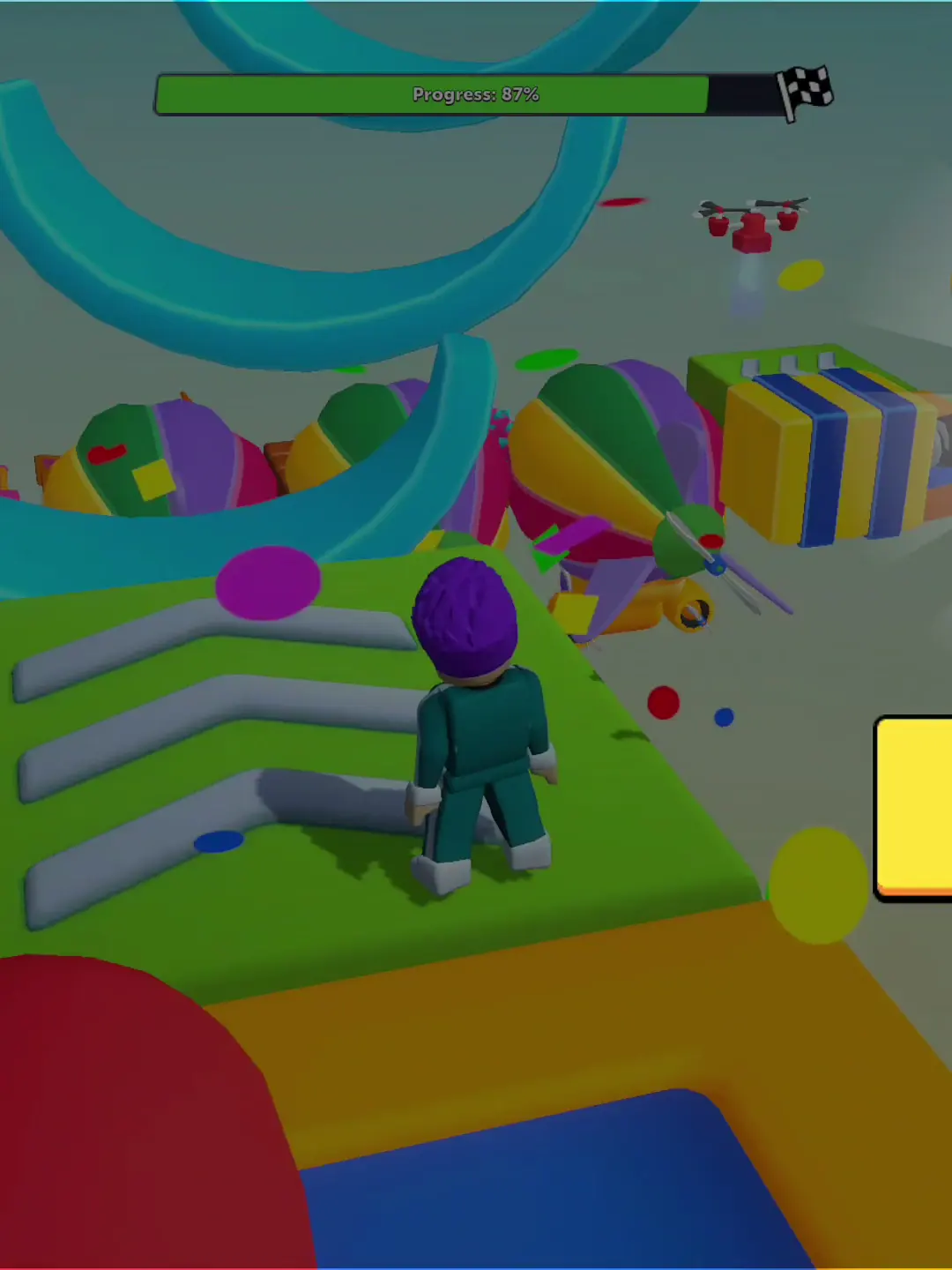
The later obstacle course includes a progress bar, large props and changing platform arrangements. For a learner, the key is whether each new visual element signals a new rule. The recording does not show a clear tutorial overlay explaining the hazards or the +1 speed relationship described on Google Play. The listing may contain onboarding outside this clip; the conclusion is limited to the supplied material.
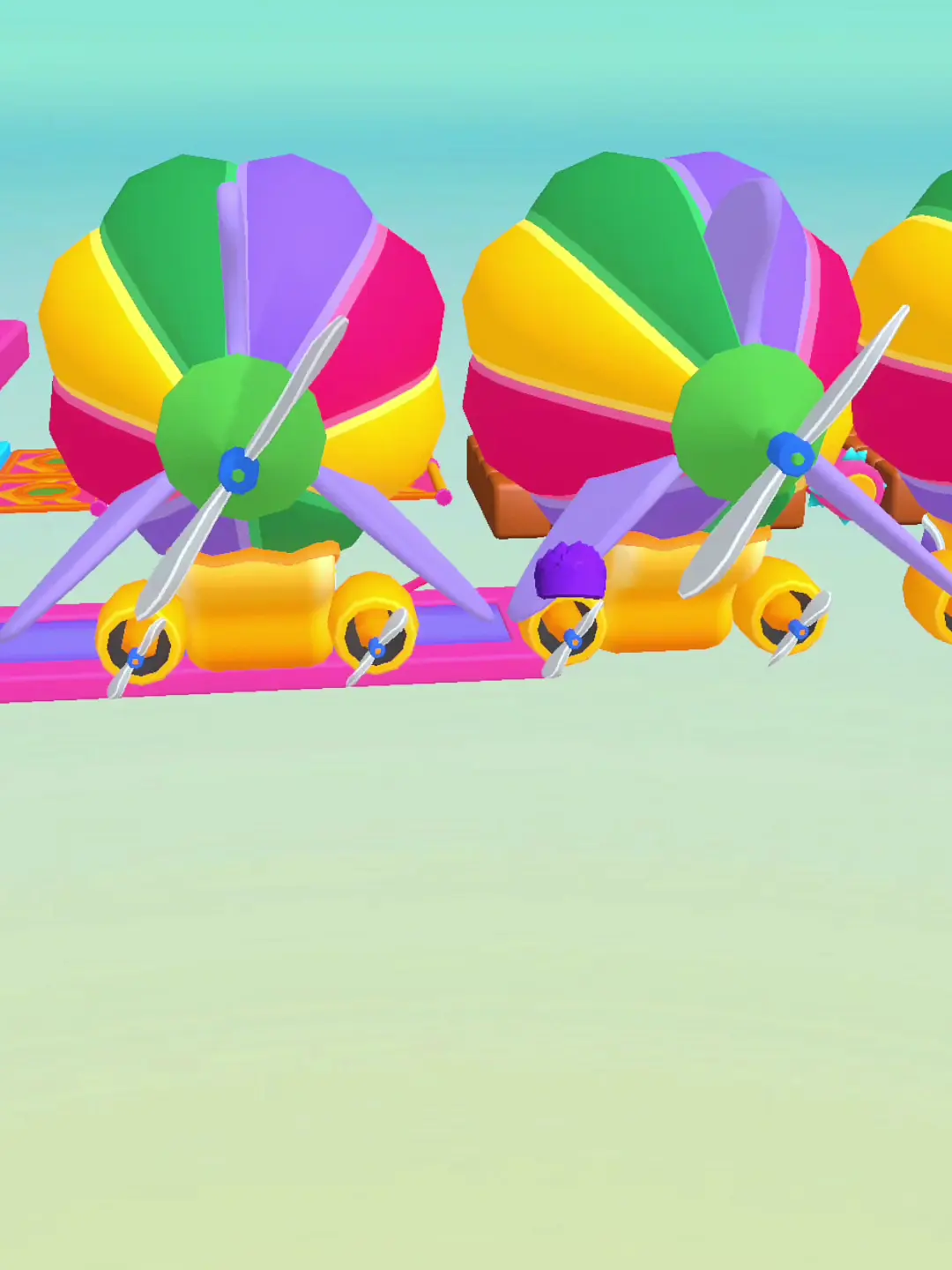
Gameplay footage · 02:59
Verdict for a first-time learner
The visible start and finish states provide basic structure, but the teaching sequence is not established. A useful next capture would include the first-run tutorial without cuts, one clear hazard explanation, and a failure followed by an understandable retry. The store page provides a public listing and a small surfaced review sample, but neither substitutes for onboarding evidence. The recording-to-app match also remains unverified, so this is not ready to publish as a product review.
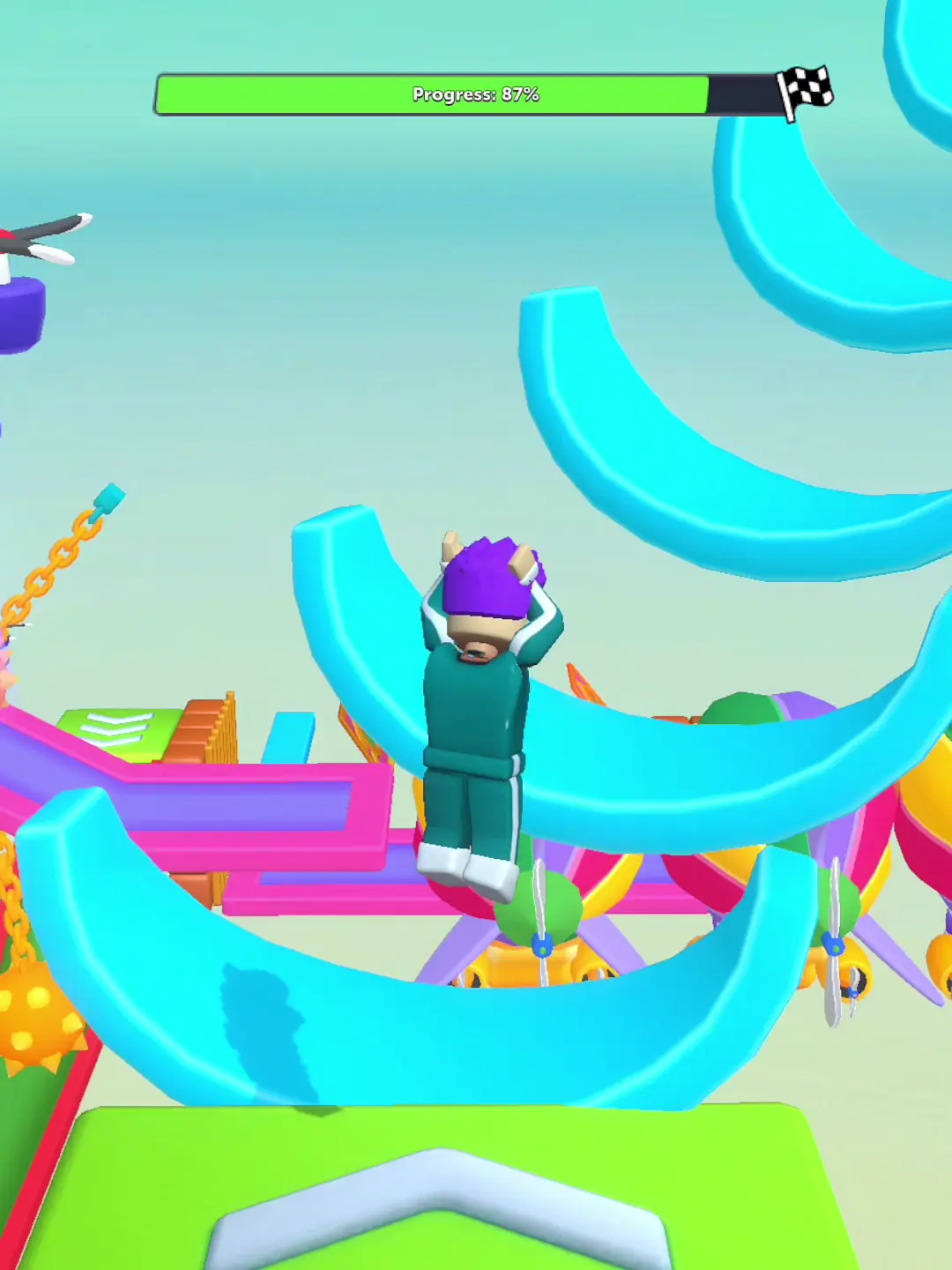
Gameplay footage · 03:51
What works
- Start countdowns and a progress bar make activity boundaries visible.
- The victory screen clearly marks completion and available claims.
What holds it back
- Failure feedback is not legible enough to teach a specific correction.
- The clip does not show whether instructions precede new hazards.
A principal's lens: fairness and instruction
Nina's perspective checks whether rules are visible and applied fairly before she decides to invest more time. The countdown and labeled avatars create a legible start, but they do not tell the viewer whether the names represent live players, bots, or saved characters. A progress meter ending at a checkered marker gives the later course an understandable objective. Between those endpoints, the sampled frames show obstacles but not a rules tutorial, a collision explanation, or a speed value. The restart dialog is especially relevant to fairness: a reset is visible, while its cause and the game's feedback are not. A stronger teaching sequence would pair one clearly labeled action with its result and explain progress before a demanding section. The footage cannot establish whether such teaching appears earlier or in another mode. Nina's balanced style can soften a verdict too much, so the concrete conclusion stays narrow: this recording communicates where the run begins and where progress is measured more clearly than why a failure occurs.
What the footage cannot show
Sound, touch response, exact obstacle timing, device performance, progression rules and ad frequency remain unverified.
More from the course
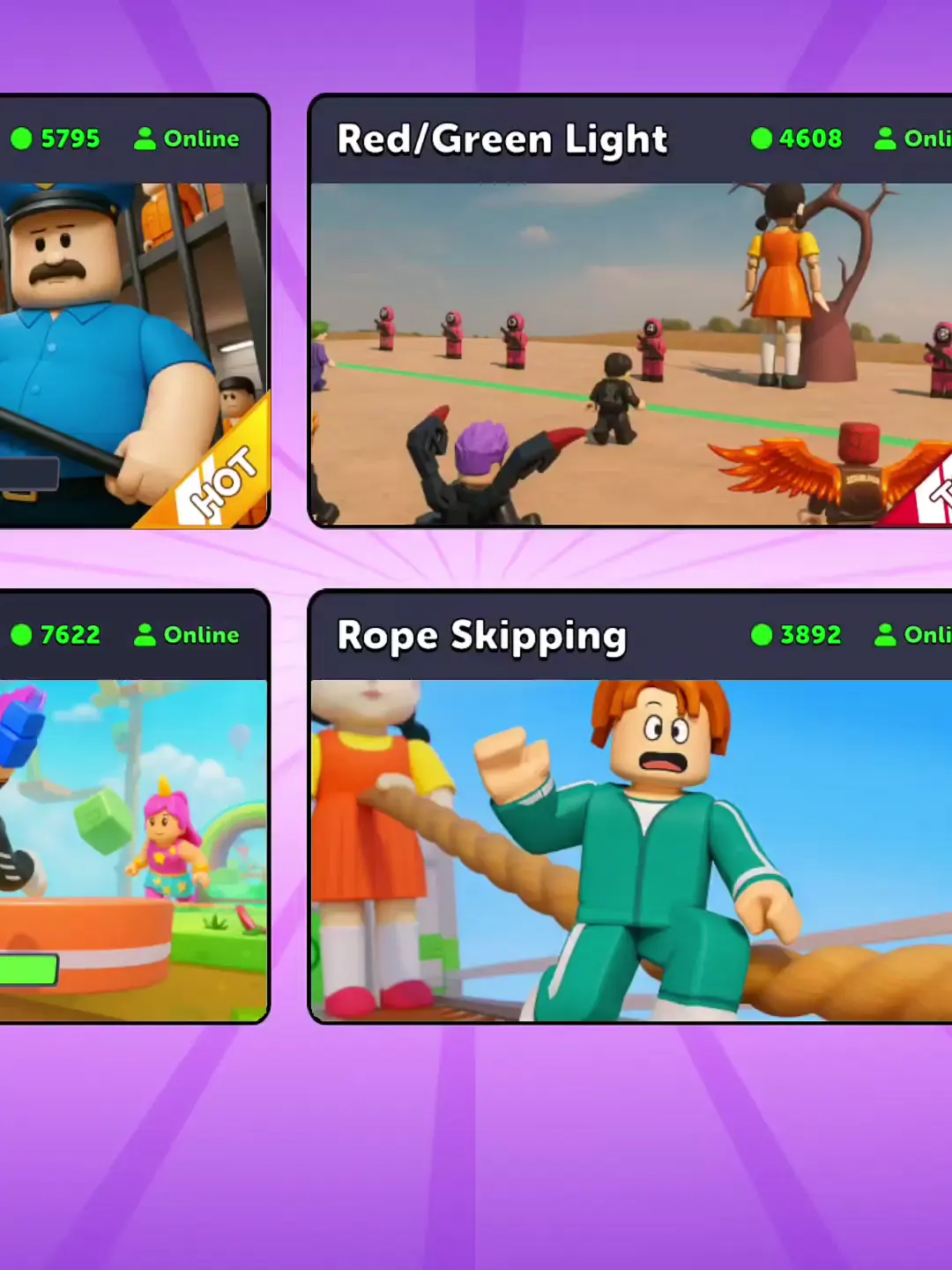
Six moments from the supplied footage, selected to illustrate the points discussed above.
What players mention
Three reviews visible on the public Google Play listing showed mixed reactions. This small sample cannot represent the wider player base.
Official Google Play page / download ↗Gameplay videos
Watch the supplied Keyboard Escape playlist.